
Can I give a Subscription as a Gift?Updated 5 days ago
Absolutely! Prepaid subscriptions are a popular gift to celebrate special occasions. You can choose the plan, delivery frequency, and number of deliveries that suit your recipient best on our subscriptions page. Subscriptions are an especially popular gift for the holidays, so surprise a loved one with flowers they’ll look forward to.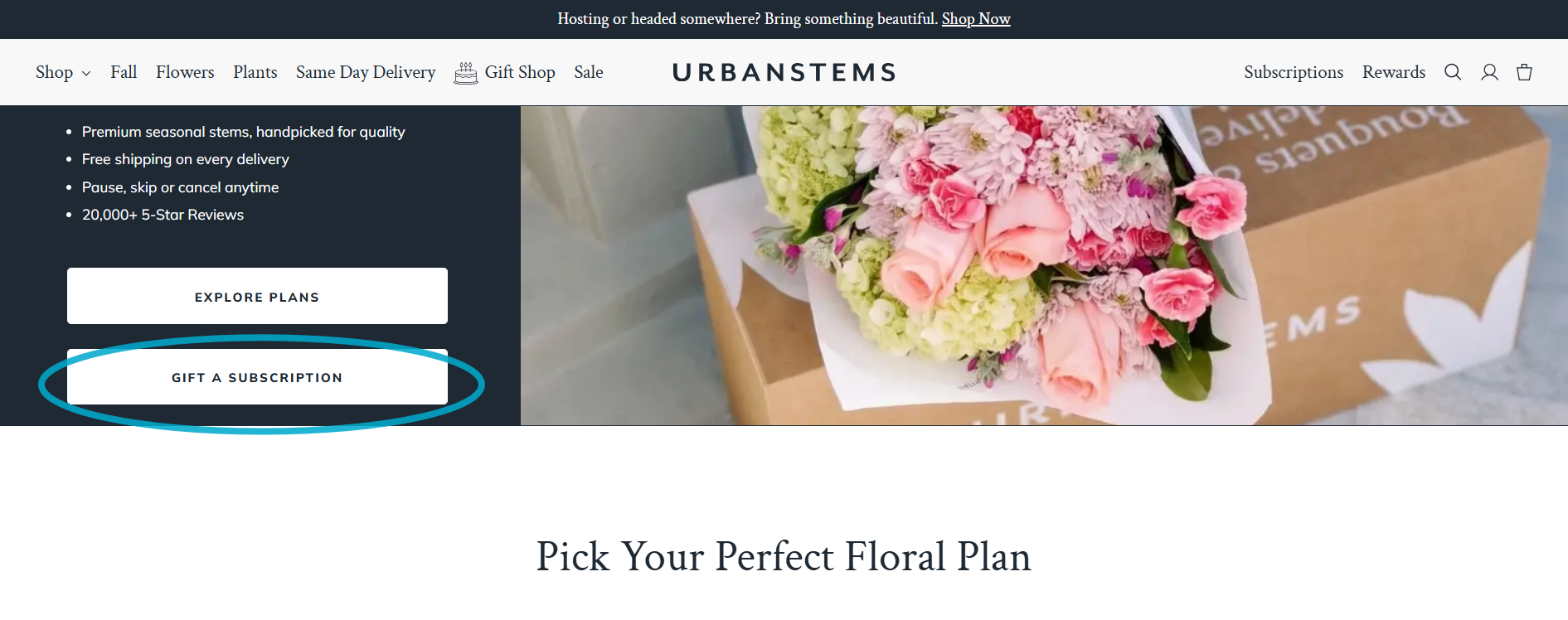
Letting your recipient manage their subscription
When you check out, you’ll be asked if you’d like to give your recipient the option to manage their subscription after their first delivery. 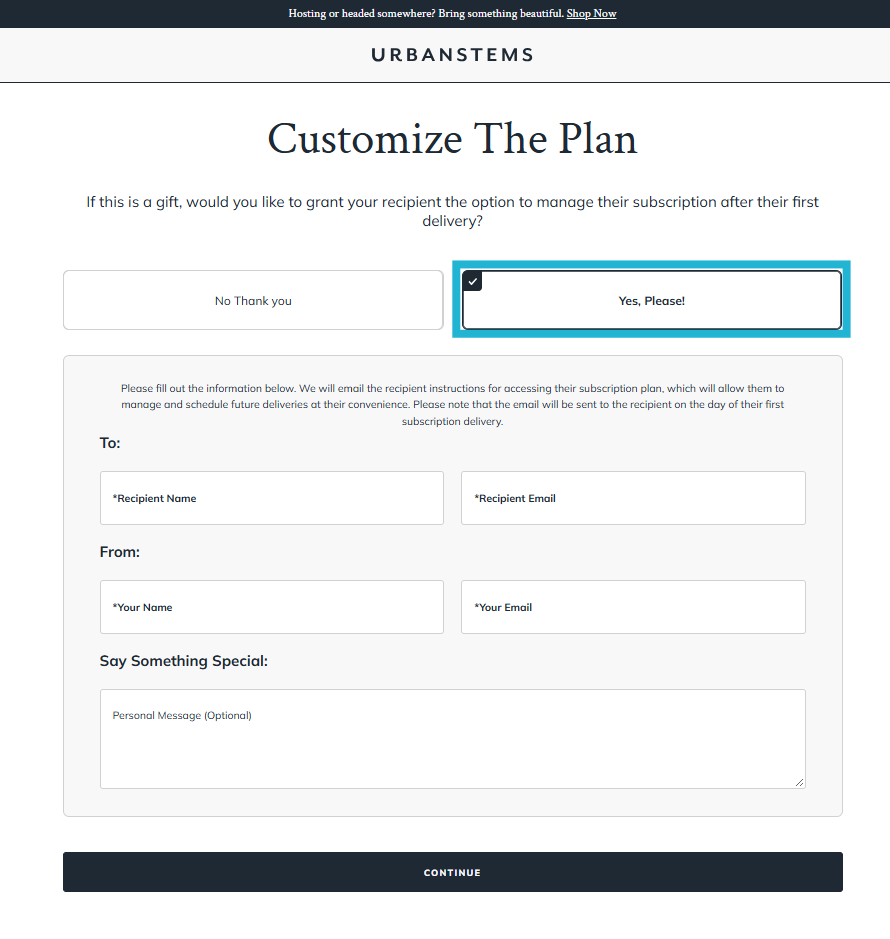
If you choose Yes, Please!, enter your recipient’s name and email, your own name and email, and an optional personal message. On the day of their first delivery, we’ll email your recipient instructions for managing and scheduling their future deliveries.
If you choose No Thank you, you’ll manage the subscription yourself.
Emails you’ll receive as the sender
When you gift a subscription, we’ll keep you in the loop on each delivery:
- Order confirmation email, before each delivery date. We create each delivery’s order 7 to 10 days before it arrives. Until then, you can change the delivery address or gift message by signing in at account.urbanstems.com, selecting Subscriptions, and opening the subscription. Once the order is created, check Manage your order to see what can still be updated. For the steps, see Managing Your Subscription.
- Shipping confirmation email, with a tracking link. For overnight orders, this usually arrives the evening before the delivery date. For same-day delivery, tracking updates arrive on the delivery day.
- Delivery confirmation email, after the flowers have been delivered.
If your recipient didn’t get or can’t find their email
If you chose to give your recipient access, they can sign in at account.urbanstems.com using the email address you entered for them when you gave the gift. We’ll send a 6-digit code to that email, so no password is needed. If you’re not sure which email you used, or you didn’t give them access, contact our Care Team and we’ll be happy to help.